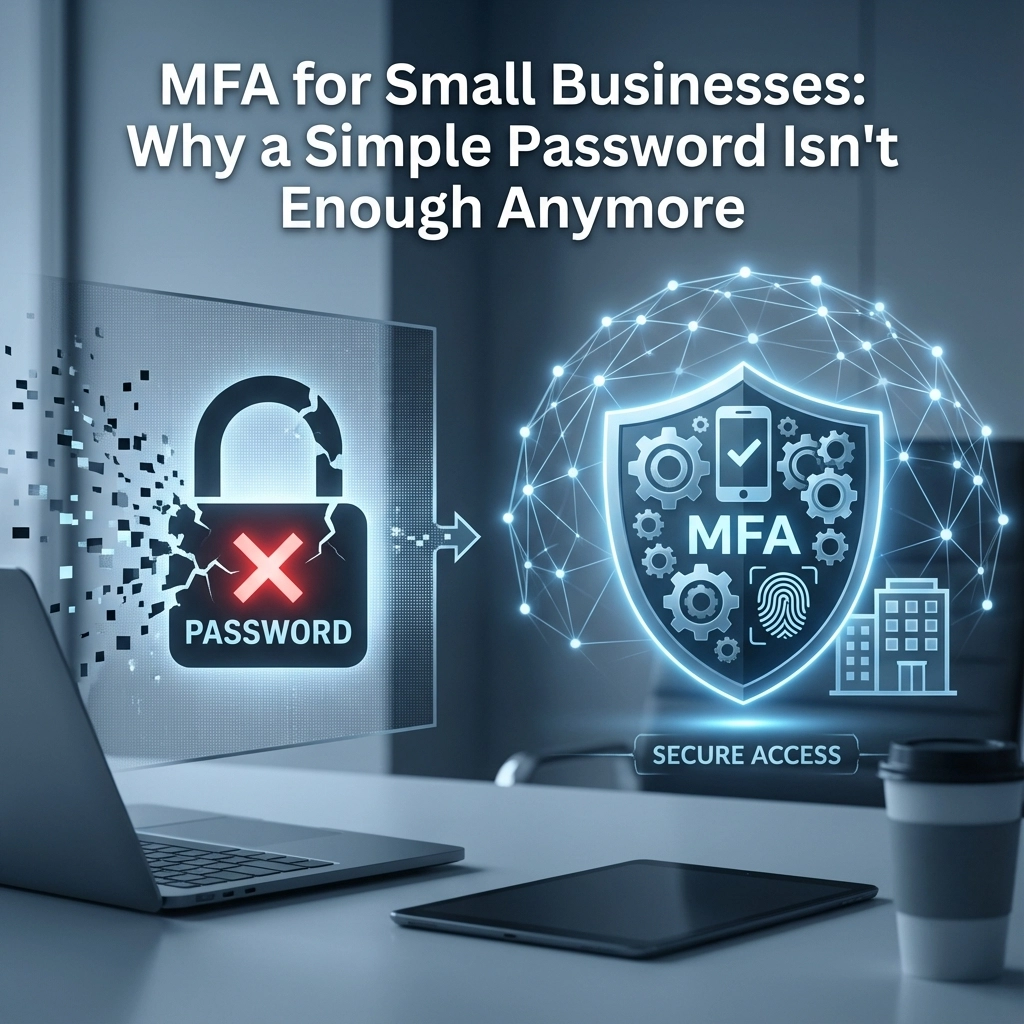
The numbers don't lie: 81% of data breaches involve compromised passwords, yet many small businesses still rely on simple password protection for their critical applications. In today's threat landscape, that single line of defense is like using a screen door to protect a vault.
Here's the reality check your business needs. Cybercriminals aren't just targeting Fortune 500 companies anymore, they're going after small businesses precisely because they often lack robust security measures. A simple password, no matter how complex, creates a single point of failure that determined attackers can and will exploit.
The Fatal Flaw of Password-Only Security
Think about it this way: when you lock your house, you don't just rely on a single deadbolt. You might have multiple locks, security cameras, maybe an alarm system. Yet many businesses protect their most valuable digital assets including customer data, financial records, and proprietary information with nothing more than a password.
The problem isn't just weak passwords (though those are certainly an issue). Even strong, complex passwords face an uphill battle against modern attack methods:
Credential Stuffing Attacks exploit the fact that people reuse passwords across multiple accounts. Hackers obtain password databases from breached websites and there were over 6 billion exposed records in 2021 alone. They systematically try those credentials against business applications.
Phishing campaigns have become incredibly sophisticated, with fake login pages that look identical to legitimate services. Even security-conscious employees can fall victim to well-crafted phishing attempts that steal their credentials in real-time.
Social Engineering attacks manipulate employees into revealing passwords through phone calls, fake IT support requests, or other psychological tactics that bypass technical security measures entirely.

The Dangerous Game of Password Variations
Here's where things get particularly risky for small businesses. Most people don't use completely random passwords for different accounts. Instead, they create variations on a base password by adding numbers, seasons, or company names. You might think "MyCompany2024!" is secure, but to cybercriminals armed with rainbow tables and pattern recognition tools, it's predictable.
Rainbow tables are precomputed databases of password hashes that can crack common password patterns in seconds. When hackers obtain your company's password database, they don't need to guess passwords because they can match the encrypted versions against millions of known patterns.
Even worse, if an employee uses "MyCompany2023!" for their work email and "MyCompany2024!" for the accounting software, a single compromised password gives attackers a roadmap to crack related accounts. This iterative approach creates a domino effect where one breach leads to complete system compromise.
Why Multi-Factor Authentication Changes Everything
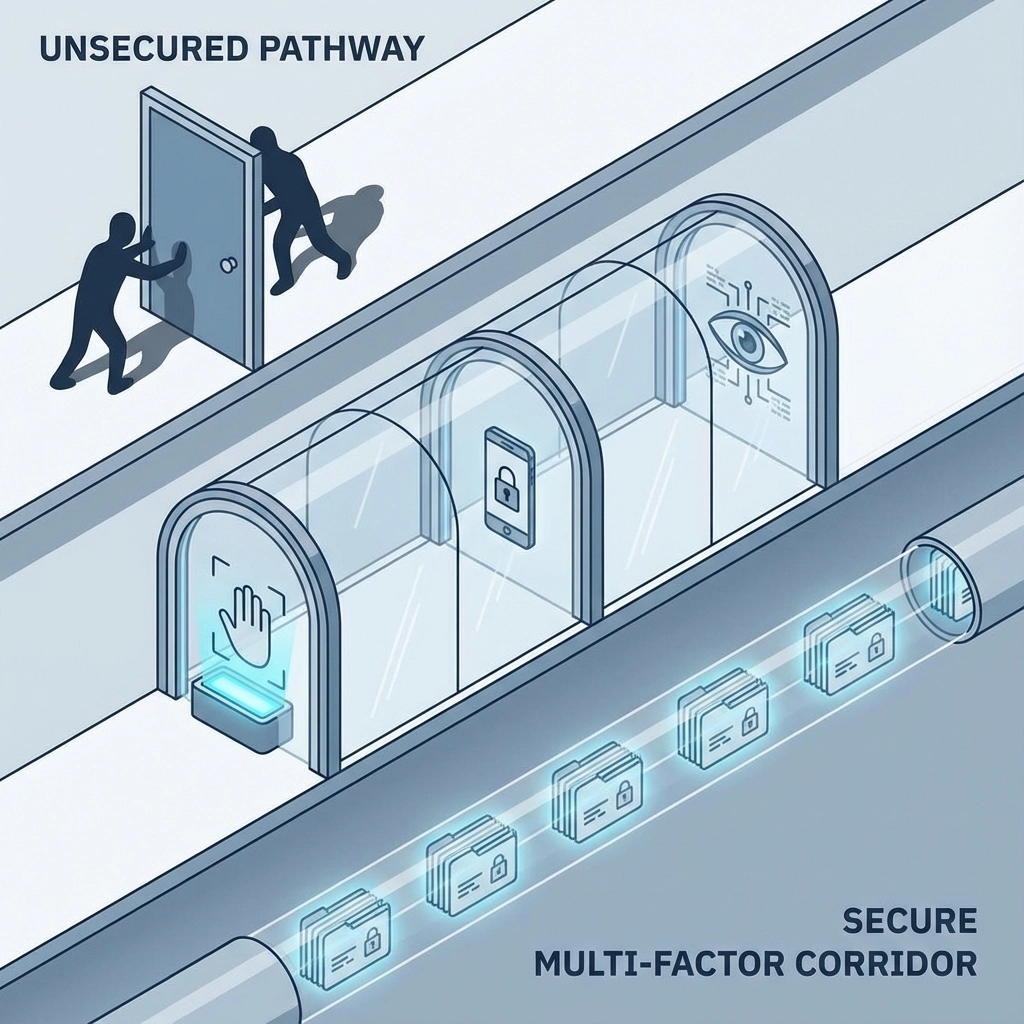
Multi-Factor Authentication (MFA) transforms your security model from a single barrier to a multi-layered defense system. Instead of asking "What do you know?" (your password), MFA asks three questions:
- Something you know – Your password or PIN
- Something you have – Your smartphone, security token, or hardware key
- Something you are – Your fingerprint, face, or other biometric identifier
The mathematics of security change dramatically with MFA. Microsoft's security research shows that MFA blocks 99.9% of automated attacks, even when attackers have valid passwords. That's not marketing fluff, that's the reality of adding multiple verification layers.
Consider this scenario: A cybercriminal obtains your email password through a phishing attack. Without MFA, they immediately gain access to your email, potentially discovering sensitive business information, password reset links for other accounts, and communication with clients or vendors. With MFA enabled, that same stolen password becomes useless without access to your physical device or biometric data.
How Password Managers Make MFA Practical
"But MFA sounds complicated for my employees!" This is where password managers become your secret weapon, making both unique passwords and MFA not just practical, but actually easier than current password practices.
Password managers like Keeper, Bitwarden, 1Password, or LastPass generate truly random, unique passwords for every account, thereby eliminating the guesswork and human tendency toward predictable patterns. Your employees never need to remember "MyCompany2024!" because the password manager handles everything automatically.
More importantly, modern password managers integrate seamlessly with MFA systems. They can:
- Auto-fill authentication codes from integrated TOTP (Time-based One-Time Password) generators
- Store backup codes securely for account recovery
- Share credentials safely among team members without exposing actual passwords
- Generate unique passwords that defeat rainbow table attacks completely
Instead of employees struggling to remember variations of the same password across different applications, they get unique 20+ character passwords like "K7#mX9$vN2@pL4&hQ8*tR1" for every single account. These passwords are impossible to crack through pattern recognition because they contain no human-readable patterns whatsoever.
Real-World Attack Examples That MFA Prevents
Let's look at actual attack scenarios that regularly target small businesses:
The Business Email Compromise (BEC) Attack: Criminals gain access to a company email account and monitor communications to understand business processes, vendor relationships, and payment procedures. They then impersonate executives or vendors to redirect payments. The FBI reports BEC scams cost businesses $43 billion globally from 2016-2021. MFA would prevent initial email account compromise, stopping the entire attack chain.
The Payroll Software Infiltration: An attacker uses credentials stolen from a restaurant chain breach to access a completely different company's payroll system (because the same employee used similar passwords). They modify direct deposit information to redirect paychecks. MFA would require additional verification, blocking unauthorized access even with valid credentials.
The Remote Access Takeover: Cybercriminals use leaked VPN credentials to access a company's internal network after hours, installing ransomware across connected systems. With MFA protecting VPN access, the stolen password alone wouldn't grant network entry.
The Business Applications That Need MFA Most
Every business application that handles sensitive data or provides system access should require MFA, but these are absolutely critical:
- Email systems (Office 365, Google Workspace, Exchange)
- Financial software (QuickBooks, banking portals, payroll systems)
- Cloud storage (Dropbox, OneDrive, Google Drive)
- Customer databases (CRM systems, client portals)
- Remote access tools (VPNs, RDP, cloud desktops)
- Administrative panels (Domain controllers, server management)
The pattern here? These applications either contain sensitive information or provide pathways to other systems. Protecting them with MFA creates security chokepoints that stop lateral movement through your network.
Making the Business Case
The cost analysis is straightforward when you consider breach consequences. IBM's 2023 Cost of a Data Breach Report shows the average cost of a data breach for small businesses exceeds $3.3 million. Compare that to MFA implementation costs which are typically around $5 per user per month and the ROI calculation becomes obvious.
Beyond direct costs, consider reputation damage, regulatory fines (GDPR violations start at 4% of annual revenue), customer trust loss, and operational disruption. A single successful attack can literally put a small business out of operation permanently.
Getting Started: Implementation Strategy
Ready to move beyond password-only security? Here's your roadmap:
Phase 1: Critical Systems First – Enable MFA on email, financial software, and administrative accounts immediately. These provide the highest security impact with minimal user disruption.
Phase 2: Deploy Password Manager – Roll out a business password manager to all employees. This creates the foundation for unique passwords and simplified MFA management.
Phase 3: Expand MFA Coverage – Gradually enable MFA across all business applications, using the password manager to streamline the user experience.
Phase 4: Employee Training – Educate staff on recognizing phishing attempts and proper MFA procedures, because technology only works when people use it correctly.
The reality is simple: password-only security isn't just inadequate in 2025, it's negligent. Modern attacks specifically target businesses that haven't implemented MFA because those attacks succeed reliably.
Your business deserves security that actually works in today's threat environment. MFA paired with password managers provides that protection while making your employees' lives easier, not harder. The question isn't whether you can afford to implement MFA, it's whether you can afford not to.
Ready to move beyond vulnerable password-only security? CelereTech specializes in helping small businesses implement practical, effective security solutions that protect without creating unnecessary complexity. Contact us today to discuss MFA implementation for your specific business needs.