Cybercriminals launched over 5.5 billion malware attacks in 2023, and 61% of small businesses experienced at least one cyberattack. Traditional security tools that work in isolation aren’t cutting it anymore — which is where Extended Detection and Response (XDR) comes in.
What Exactly Is XDR?
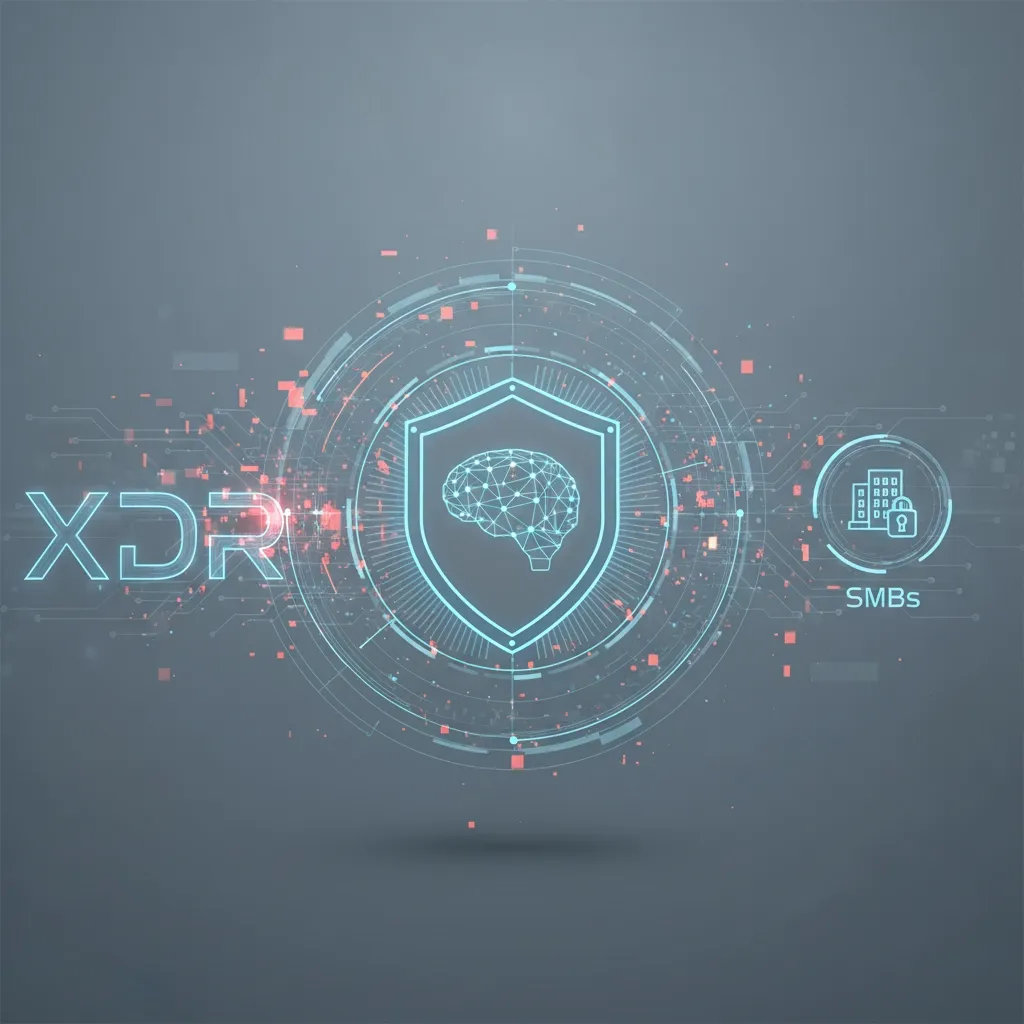
XDR is like a security command center that monitors every corner of your business — employee laptops, cloud servers, email systems, network traffic — all in one unified platform, instead of separate tools operating independently and missing the bigger picture.
Think of traditional security as individual guards at different doors, each only watching their own entrance. XDR is a central system where all the guards communicate instantly about suspicious activity anywhere in the building. The “extended” part means it covers networks, cloud workloads, email, servers, and identity management — essentially every point a threat could enter.
How XDR Creates a Layered Defense
Instead of generating dozens of separate alerts your IT team has to manually piece together, XDR uses AI to automatically connect the dots between seemingly unrelated events. An employee clicks a suspicious link; traditional security might catch the site visit but miss that the same login credentials were used to access sensitive files at 2 AM from a different location. XDR correlates both events instantly and responds before data is stolen.
Real-time threat correlation — XDR continuously analyzes security data across all your systems, flagging patterns like large downloads immediately following a suspicious email.
Automated response — XDR can isolate infected computers, block malicious IPs, disable compromised accounts, and prevent ransomware encryption automatically, dramatically shrinking the window attackers have to cause damage.
Why Small Businesses Need XDR
“Isn’t XDR overkill for a small business?” — actually the opposite. SMBs are prime targets precisely because they lack the security infrastructure of larger corporations. 46% of all cyber breaches impact businesses with fewer than 1,000 employees, yet most SMBs can’t afford dedicated cybersecurity experts or a 24/7 security operations center.
Consider a typical Business Email Compromise attempt: attackers research your company on social media, send a convincing email that appears to come from your CEO requesting a wire transfer, and traditional email security doesn’t flag it because it isn’t technically “malicious.” XDR would catch this by analyzing communication patterns and cross-referencing multiple data points to identify the anomaly before money moves.
Five Key Benefits
- 24/7 protection without 24/7 staff — professional analysts monitor continuously without you hiring additional IT staff.
- Dramatically fewer false alarms — AI-powered correlation cuts through the noise so your team only hears about genuine threats.
- Faster incident response — what used to be a day-long investigation becomes a 15-minute response.
- Comprehensive visibility — a single dashboard showing your entire security posture.
- Cost-effective enterprise security — one consolidated platform instead of managing multiple separate tools and vendors.
Making the XDR Decision
The question isn’t whether cyber threats will target your business — it’s when. XDR gives small businesses the same advanced protection Fortune 500 companies rely on, without the enterprise-level complexity.
At CelereTech, we specialize in implementing managed XDR solutions that give SMBs enterprise-grade protection while we handle the technical heavy lifting. Contact us for a complimentary security assessment.